
Quick answer: To create a WordPress admin user when you are locked out of wp-admin but still have FTP, file manager or SSH access, use WP-CLI or a short functions.php snippet. The safest options are WP-CLI or a one-time snippet that sends a password-reset email instead of storing a password in your code. Remove the snippet as soon as you can log in.
Table of Contents
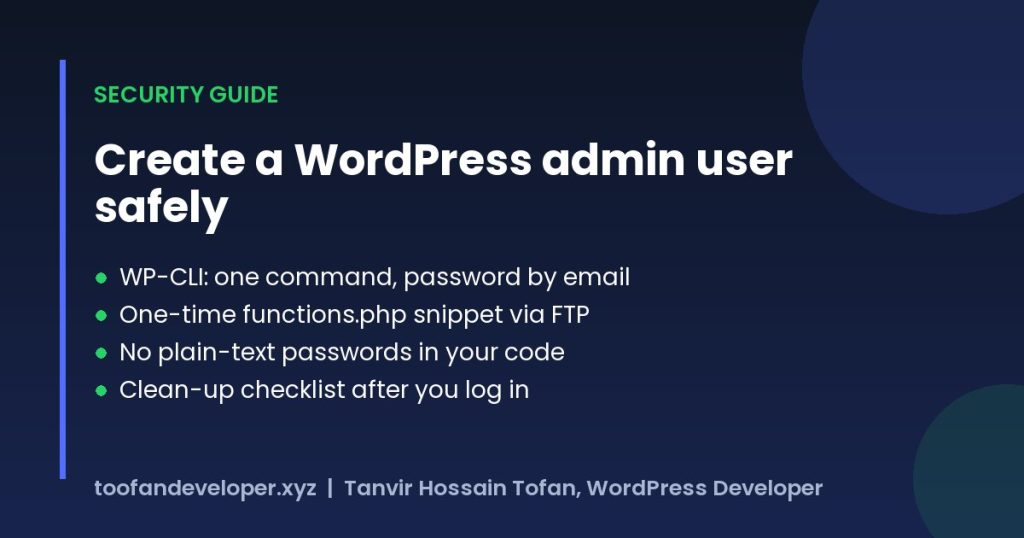
Security warning: Code that silently creates admin users is a common malware backdoor. Only use this on a site you own, delete it right after use, and if you ever find code like this in a functions.php you did not add, treat the site as hacked: review all users, change every admin password and scan your theme and plugin files.
Option 1: Create an admin user with WP-CLI (recommended)
If your host gives you SSH access, run this from the WordPress folder (see the wp user create documentation). WordPress emails the new user a link to set their password.
wp user create your-username you@yourdomain.com --role=administrator --send-email
Option 2: Create a WordPress admin user via functions.php (one-time snippet)
Connect with FTP or your host’s file manager, open wp-content/themes/your-theme/functions.php, paste the code at the end and change the username and email. Load any page on your site once, check your inbox for the set-password email, log in, then delete the code.
/**
 * Emergency admin account - runs ONCE, then remove this code.
 * No password is stored here: WordPress emails a "set your password" link.
 */
add_action( 'init', function () {
    if ( get_option( 'tdev_emergency_admin_done' ) ) {
        return;
    }

    $username = 'your-username';     // change this
    $email    = 'you@yourdomain.com'; // an inbox you control

    if ( username_exists( $username ) || email_exists( $email ) ) {
        update_option( 'tdev_emergency_admin_done', 1 );
        return;
    }

    $user_id = wp_insert_user( array(
        'user_login' => $username,
        'user_email' => $email,
        'user_pass'  => wp_generate_password( 24 ),
        'role'       => 'administrator',
    ) );

    if ( ! is_wp_error( $user_id ) ) {
        wp_new_user_notification( $user_id, null, 'user' );
        update_option( 'tdev_emergency_admin_done', 1 );
    }
} );
Why this version is safer than the usual snippet
Most snippets online hard-code a plain-text password and run on every page load forever. This version stores no password, runs only once, checks for errors and uses an email link so only the owner of that inbox can set the password.
After you regain access
- Delete the snippet from functions.php.
- Remove any admin accounts you do not recognise.
- Update WordPress, your theme and plugins.
- Use a strong, unique password and turn on two-factor login.
Locked out and not comfortable editing files? Contact me and I will restore your access safely.
Frequently asked questions
How do I add an admin account with functions.php?
Add a one-time snippet that calls wp_insert_user() with the administrator role and sends a set-password email, load the site once, log in, then delete the snippet.
Is it safe to add an admin user with code?
Only on your own site and only temporarily. Never hard-code a password, and remove the code right after you log in. Unknown code like this in functions.php is a sign of a hacked site.
How do I create an admin user with WP-CLI?
Run: wp user create username you@example.com –role=administrator –send-email from the WordPress folder over SSH.
Related guides
- Disable WooCommerce Payment Gateway for Specific Country WordPress
- Ban Email Addresses Or Domains Name in Fluent Forms Form Submission
- Hire Dedicated WordPress Developers Who Actually Get Results
Need help with your own site? Get a free quote or see my recent builds.