
Quick answer: You cannot upload a Figma file into WordPress, but you can turn any Figma design into a working WordPress website. The conversion process means rebuilding the design with Elementor, the WordPress block editor or a custom theme, then adding content, responsive layouts and SEO. A landing page usually takes 3 to 5 days and costs from $150.
I convert Figma designs for agencies and business owners every week, so this guide follows the exact process I use on real projects: which method to pick, how to prepare the Figma file, the step-by-step build, timelines, costs and the mistakes that make converted sites slow or hard to edit.
Table of Contents
Can I put a Figma file into WordPress?
Not directly. Figma stores designs as vector layers, frames and components, while WordPress stores pages as content and templates. There is no import button that turns a .fig file into a working site. What you can do is export images, icons and SVGs from Figma (see Figma’s export guide) and rebuild the layout in WordPress so it looks and behaves exactly like the design.
The good news: once the design is rebuilt properly, your team can edit text, images and pages in WordPress without touching code, which is the whole point of the move.
5 ways to convert Figma to WordPress
1. Figma to Elementor
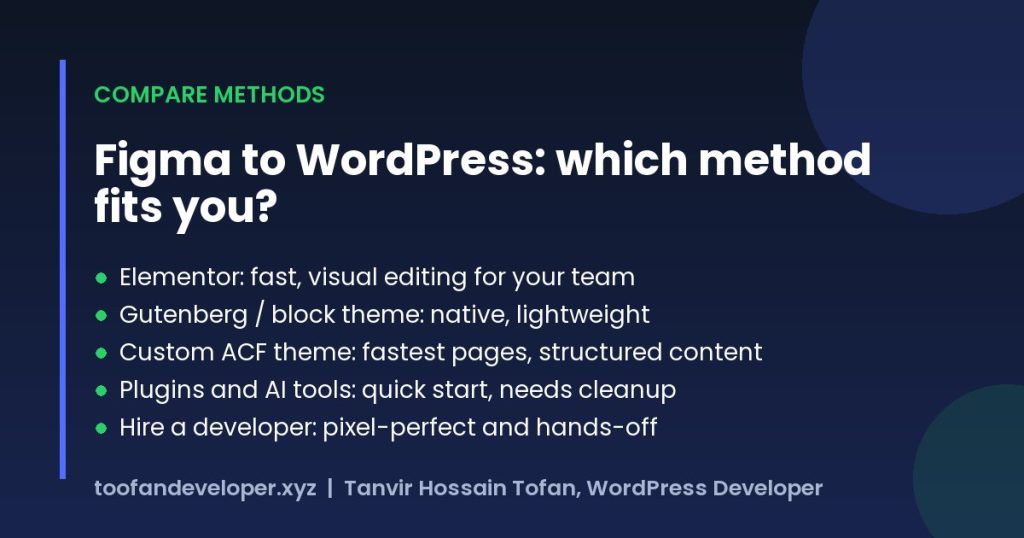
Rebuild each section with Elementor containers and set global colors and fonts from the Figma styles. It is the most popular route because marketing teams can edit pages visually afterwards. If you want this done for you, see my Elementor development service.
2. Figma to Gutenberg or a block theme
Modern block themes use theme.json for colors, typography and spacing, so Figma styles map neatly onto them. You build patterns and templates in the Site Editor. This keeps the site lightweight with no page builder, but complex layouts may need custom blocks.
3. Custom WordPress theme with ACF
A developer codes the templates by hand and uses Advanced Custom Fields for editable content, often as ACF blocks. This produces the fastest pages and the most consistent design, and suits sites with repeating content such as services, team members or case studies. I compare this with Elementor in ACF vs Elementor.
4. Plugins and AI conversion tools
Several plugins and AI tools can export Figma frames into Elementor or blocks. They are useful for a quick first draft, but the output usually has absolute positioning, fixed widths and extra wrappers, so it needs cleanup before it is responsive and fast. Treat it as a starting point, not a finished site.
5. Hire a developer
If you want a pixel-perfect, fast result without learning the tools, a developer handles the whole conversion, including responsive design, SEO setup and handover. This is the right choice for client work, launches with deadlines, or designs with custom interactions.
| Method | Best for | Speed of pages | Editing after launch | Skill needed |
|---|---|---|---|---|
| Elementor | Marketing sites, landing pages | Good with tuning | Very easy, visual | Low to medium |
| Gutenberg / block theme | Simple, fast sites | Very good | Easy | Medium |
| Custom ACF theme | Structured content, performance | Excellent | Easy, form based | Developer |
| Plugins / AI tools | Quick prototypes | Often poor | Mixed | Low, plus cleanup |
| Hire a developer | Client and business sites | Excellent | Easy | None for you |
Step-by-step: how I convert Figma to WordPress
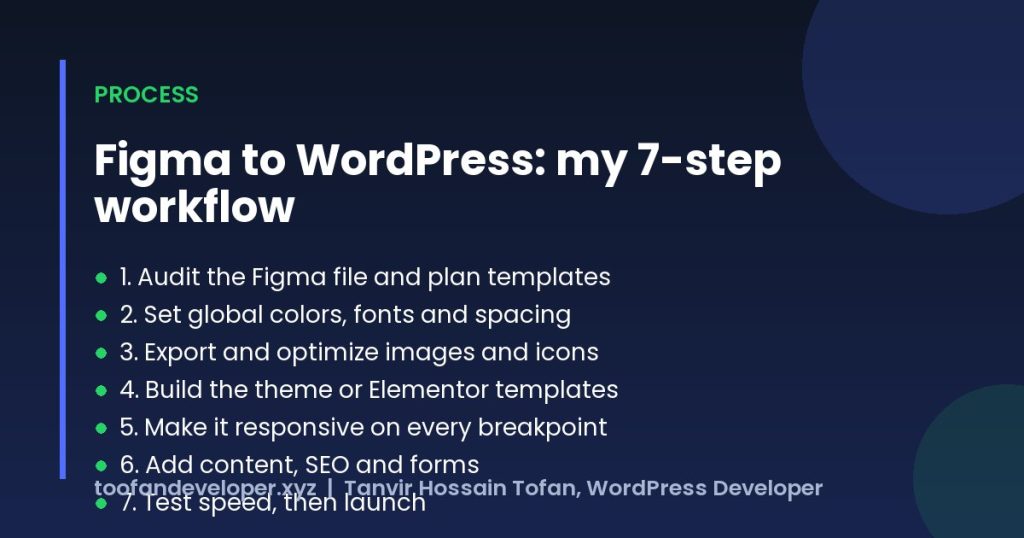
- Audit the Figma file. I list every page template, repeating section and component, and check desktop, tablet and mobile frames. Missing states (hover, menus, forms) are noted before work starts.
- Set up global styles. Colors, fonts, font sizes and spacing from Figma become global settings in Elementor or
theme.json, so the whole site stays consistent. - Export and optimize assets. Icons go out as SVG, photos as WebP at the right size, and fonts are self-hosted where possible.
- Build templates and sections. Header, footer and page templates first, then reusable sections, so new pages can be built from parts.
- Make it responsive. Each breakpoint is checked against the Figma frames and real devices, not just a resized browser.
- Add content, forms and SEO. Real content, contact forms, meta titles, descriptions, headings and schema are set up.
- Test and launch. Speed, accessibility, links and forms are tested on a staging site before going live.
How to prepare your Figma file for WordPress
- Use Auto Layout so spacing and alignment are clear.
- Name layers and components properly (Header, Hero, Card, Footer).
- Create color and text styles instead of one-off values.
- Include mobile and tablet frames, or at least mobile for key pages.
- Design hover, active and form error states.
- Use real or realistic content so lengths match the final site.
- Share edit or Dev Mode access so exact values can be inspected.
Figma’s Dev Mode guide explains how developers read measurements and CSS from the file.
How long does the conversion take?
| Project | Typical timeline |
|---|---|
| Single landing page | 3 to 5 days |
| Business website (5 to 10 pages) | 2 to 3 weeks |
| Large site or WooCommerce store | 4 to 6 weeks |
| Multilingual site (WPML or Polylang) | Add 1 to 2 weeks |
The biggest factor is how complete the Figma file is. Missing mobile layouts or unclear components add time.
How much does Figma to WordPress cost?
From my own projects, converting a Figma landing page costs $150 to $200, a multi-page business website $500 to $2,500, and a WooCommerce store $800 to $4,000. Custom animations, integrations and multilingual setups add to the price. See my services and pricing for details, or send your Figma link for a fixed quote.
Common conversion mistakes to avoid
- Absolute positioning everywhere: looks right on one screen size and breaks on all others.
- No global styles: every heading is styled by hand, so the design drifts and is slow to change.
- Huge images: exporting at 3x PNG makes pages heavy and fails Core Web Vitals.
- Too many add-ons: installing a widget pack for one effect slows the site and adds risk.
- Ignoring SEO: designs often use headings for styling, which breaks the heading structure Google reads.
Frequently asked questions
Can I import a Figma file directly into WordPress?
No. WordPress cannot open .fig files. You can export images and icons from Figma, but the layout, typography and interactions have to be rebuilt in WordPress with a page builder, the block editor or a custom theme.
What is the best way to convert Figma to WordPress?
For most business sites, Elementor Pro gives the best balance of speed and easy editing. For sites with lots of structured content or strict speed goals, a custom theme built with ACF is better. Automated plugins are fine for a quick start but usually need cleanup.
How long does it take to convert a Figma design?
A single landing page usually takes 3 to 5 days, a 5 to 10 page business site 2 to 3 weeks, and a large or e-commerce site 4 to 6 weeks, depending on how complete the Figma file is.
How much does a Figma conversion cost?
With me, a Figma landing page starts from $150 to $200 and a multi-page website from $500 to $2,500. You get a fixed quote after I review your Figma file.
Do I need Figma Dev Mode to convert a design?
It helps but is not required. Dev Mode makes it easier to copy exact spacing, colors and CSS values, but a developer can read the same values from the normal Figma inspect panel with view access to the file.
Have a Figma design ready? Send me the link or message me on WhatsApp and I will reply with a fixed price and timeline for your project.
Related guides
- HTML to WordPress Convert: A Practical Guide to Converting an HTML Website
- Convert Lovable to WordPress: The Complete Guide for Freelancers, Agencies and Founders
- WordPress Development Cost in 2026: Prices and Hiring Guide
Need help with your own site? Get a free quote or see my recent builds.