
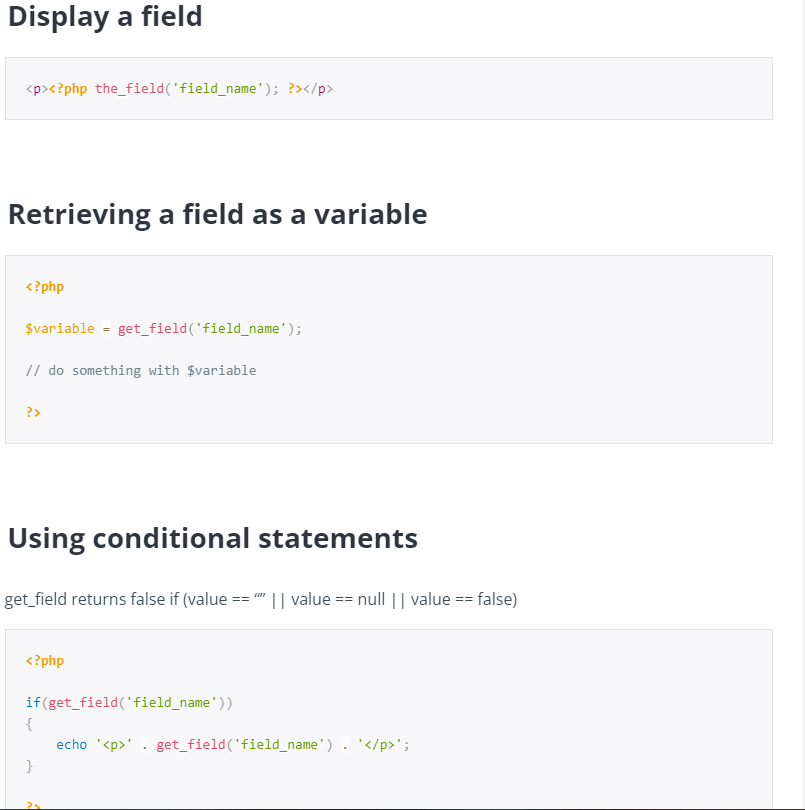
Quick answer: These ACF code snippets cover the fields you use most: Link, Flexible Content, Gallery, Repeater with an active first item, a front-end post form and Options page values. Copy a snippet into your template, change the field name, and the output is already escaped and safe.
Table of Contents
These are the ACF code snippets I reuse on almost every custom theme. Each one escapes its output, so it is safe to paste into a template. Change the field names to match your own field group. The official ACF documentation covers every field type in more depth.
1. ACF Link field
Outputs a button from a Link field, with a default label and rel="noopener" for links that open in a new tab.
<?php
$link = get_field( 'button_link' ); // ACF Link field (return format: array)
if ( $link ) :
	$url    = $link['url'];
	$title  = $link['title'] ?: 'Learn more';
	$target = $link['target'] ?: '_self';
	?>
	<a class="button" href="<?php echo esc_url( $url ); ?>" target="<?php echo esc_attr( $target ); ?>"<?php echo '_blank' === $target ? ' rel="noopener"' : ''; ?>>
		<?php echo esc_html( $title ); ?>
	</a>
<?php endif; ?>
2. ACF Flexible Content field
Loops through page sections and outputs a different layout for each one. Add a new elseif for every layout in your field group.
<?php if ( have_rows( 'page_sections' ) ) : ?>
	<?php while ( have_rows( 'page_sections' ) ) : the_row(); ?>

		<?php if ( 'text_block' === get_row_layout() ) : ?>
			<section class="text-block">
				<?php echo wp_kses_post( get_sub_field( 'text' ) ); ?>
			</section>

		<?php elseif ( 'heading' === get_row_layout() ) : ?>
			<h2 class="section-title"><?php echo esc_html( get_sub_field( 'title' ) ); ?></h2>

		<?php endif; ?>

	<?php endwhile; ?>
<?php endif; ?>
3. ACF Gallery field
Uses wp_get_attachment_image(), so WordPress adds srcset, lazy loading and the alt text automatically.
<?php
$images = get_field( 'gallery' ); // ACF Gallery field (return format: array)
if ( $images ) : ?>
	<ul class="gallery">
		<?php foreach ( $images as $image ) : ?>
			<li>
				<a href="<?php echo esc_url( $image['url'] ); ?>">
					<?php echo wp_get_attachment_image( $image['ID'], 'medium' ); // thumbnail, medium, large or full ?>
				</a>
				<?php if ( $image['caption'] ) : ?>
					<p><?php echo esc_html( $image['caption'] ); ?></p>
				<?php endif; ?>
			</li>
		<?php endforeach; ?>
	</ul>
<?php endif; ?>
4. ACF Repeater with an active class on the first item
Handy for tabs, sliders and accordions. get_row_index() returns 1 for the first row, so no counter variable is needed.
<?php if ( have_rows( 'tabs' ) ) : ?>
	<ul class="tabs">
		<?php while ( have_rows( 'tabs' ) ) : the_row(); ?>
			<li class="<?php echo 1 === get_row_index() ? 'active' : ''; ?>">
				<?php echo esc_html( get_sub_field( 'title' ) ); ?>
			</li>
		<?php endwhile; ?>
	</ul>
<?php endif; ?>
5. ACF front-end form that creates a post
Lets logged-in users submit posts from the front end. acf_form_head() must run before get_header(), otherwise the form cannot save or redirect. New posts are saved as pending so you can review them first.
<?php
/* Template Name: Submit Post */

acf_form_head(); // must run before any HTML output
get_header();

if ( current_user_can( 'publish_posts' ) ) {
	acf_form( array(
		'post_id'      => 'new_post',
		'field_groups' => array( 295 ), // your field group ID
		'post_title'   => true,
		'post_content' => true,
		'new_post'     => array(
			'post_type'   => 'post',
			'post_status' => 'pending', // review before it goes live
		),
		'return'       => '%post_url%',
		'submit_value' => 'Submit post',
	) );
} else {
	echo '<p>Please log in with an account that can publish posts.</p>';
}

get_footer();
Bonus: read a value from an ACF Options Page
<?php
// Read a value from an ACF Options Page (for example a site-wide phone number)
$phone = get_field( 'phone_number', 'option' );
if ( $phone ) {
	echo '<a href="tel:' . esc_attr( preg_replace( '/[^0-9+]/', '', $phone ) ) . '">' . esc_html( $phone ) . '</a>';
}
Tips for using these ACF code snippets
- Set the return format of Link, Image and Gallery fields to Array to match the code.
- Always escape output:
esc_html()for text,esc_url()for links,wp_kses_post()for WYSIWYG content. - Keep templates small by moving each snippet into
get_template_part()files. - For dynamic lists, see how I order an Elementor Loop Grid by an ACF date.
Frequently asked questions
Where do I put ACF code snippets?
In your theme template files, such as single.php, page templates or template parts. Use a child theme so updates do not remove your changes.
Why does my ACF field show nothing?
Check the field name, that the field has a value on that post, and that you are inside the loop or passing the post ID as the second argument to get_field().
Do I need ACF Pro for these snippets?
The Link field works in free ACF. Flexible Content, Gallery, Repeater and Options Pages need ACF Pro.
Need a custom ACF theme built? See my WordPress development services or get a free quote.
Related guides
- Add Post type to search results filtering by ACF meta value
- Elementor Loop Grid Order By ACF Date Field
- Hire Dedicated WordPress Developers Who Actually Get Results
Need help with your own site? Get a free quote or see my recent builds.