
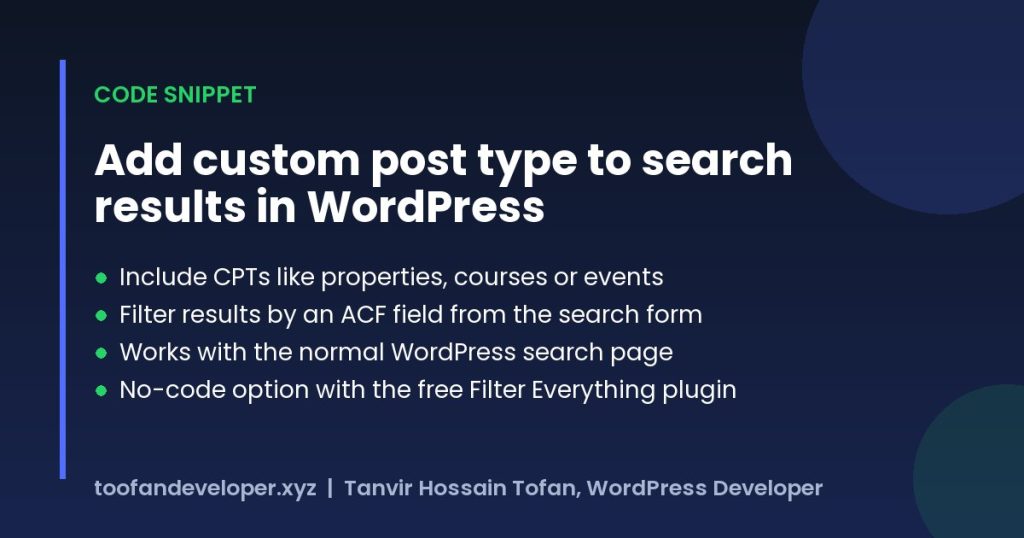
Quick answer: To add custom post type to search results in WordPress, use the pre_get_posts hook and set post_type to include your post type when the main search query runs. To filter those results by an ACF field, add a meta_query that uses a value from your search form. Both snippets are below.
Table of Contents
Why your custom post types are missing from search
By default WordPress search returns posts and pages. Custom post types only appear if they were registered with exclude_from_search set to false, and even then you cannot filter them by an ACF field without extra code. The snippet below fixes both.
Step 1: add custom post type to search results
Add this to your child theme functions.php. Replace property with your post type and city with your ACF field name. It uses the pre_get_posts hook, so only the front-end search query changes.
/**
 * Include custom post types in WordPress search results
 * and optionally filter them by an ACF field (?city=dhaka).
 */
add_action( 'pre_get_posts', function ( $query ) {
	if ( is_admin() || ! $query->is_main_query() || ! $query->is_search() ) {
		return;
	}

	// 1. Search posts, pages and your custom post types.
	$query->set( 'post_type', array( 'post', 'page', 'property' ) );

	// 2. Optional: filter by an ACF field from the search form.
	if ( ! empty( $_GET['city'] ) ) {
		$query->set( 'meta_query', array(
			array(
				'key'     => 'city', // ACF field name
				'value'   => sanitize_text_field( wp_unslash( $_GET['city'] ) ),
				'compare' => '=',
			),
		) );
	}
} );
Step 2: add the ACF filter to your search form
Use this form in searchform.php or any template. The city select sends the value that the code above uses to filter results.
<form role="search" method="get" action="<?php echo esc_url( home_url( '/' ) ); ?>">
	<label class="screen-reader-text" for="s">Search for:</label>
	<input type="search" id="s" name="s" value="<?php echo esc_attr( get_search_query() ); ?>" placeholder="Search properties">

	<?php $city = isset( $_GET['city'] ) ? sanitize_text_field( wp_unslash( $_GET['city'] ) ) : ''; ?>
	<select name="city">
		<option value="">All cities</option>
		<option value="dhaka" <?php selected( $city, 'dhaka' ); ?>>Dhaka</option>
		<option value="chattogram" <?php selected( $city, 'chattogram' ); ?>>Chattogram</option>
	</select>

	<button type="submit">Search</button>
</form>
How the code works
is_main_query()andis_search()make sure only the search results page is changed, not menus or widgets.post_typetells WordPress which content types to search.meta_querykeeps only results whose ACF field matches the chosen value.- Every value from the URL is sanitized, so the search stays safe.
No-code option: Filter Everything plugin
If you prefer a settings screen, the free Filter Everything plugin from WordPress.org can filter custom post types by ACF fields. Choose your post type, add a filter set and pick the ACF field as the source.


Only download plugins from WordPress.org or the developer’s own site. “Free pro” versions shared on file-sharing sites often contain malware.
Troubleshooting
- No custom posts in results: check the post type slug in the array, and that the post type is public.
- Filter returns nothing: the select values must match the stored ACF values exactly (use the field’s value, not its label).
- Search page looks different for CPTs: add a
get_post_type()check insearch.phpto show the right fields for each type.
Frequently asked questions
How do I add a custom post type to search results in WordPress?
Use the pre_get_posts hook and set post_type to an array that includes your custom post type, only when is_search() and is_main_query() are true.
Can I filter WordPress search by an ACF field?
Yes. Add a select or input to the search form, then add a meta_query in pre_get_posts that matches the ACF field name and the submitted value.
Do I need a plugin to search custom post types?
No. The snippet above works without a plugin, but Filter Everything (free on WordPress.org) is a good option if you prefer a visual setup.
Building a directory or listing site? See my custom WordPress development or get a free quote.
Related guides
- Advanced Custom Fields All Need Code Snippet
- How to Create a Dropdown Box to Sorting Posts in WordPress
- Hire Dedicated WordPress Developers Who Actually Get Results
Need help with your own site? Get a free quote or see my recent builds.