
Toofan Stage-to-Live Sync
Quick answer: Toofan Stage-to-Live Sync is a free WordPress staging to live plugin that pushes a single post, page or WooCommerce product from your local or staging site to your live site, without overwriting orders, customers or anything else. You connect the two sites with a URL and a private API key.
Table of Contents
Download free from WordPress.org → · Official WordPress.org plugin · v1.0.0 · GPL licensed
Every staging plugin solves the wrong problem
Almost every staging and migration tool only knows how to push or pull the entire site. That is fine the first time you launch a build, but once a store has live orders, a blog has live comments, or a client is editing content on production, a full-site overwrite becomes too risky to run again.
So you end up avoiding the push button entirely, or copy-pasting content between dashboards just to be safe.
A WordPress staging to live plugin that moves only what you choose
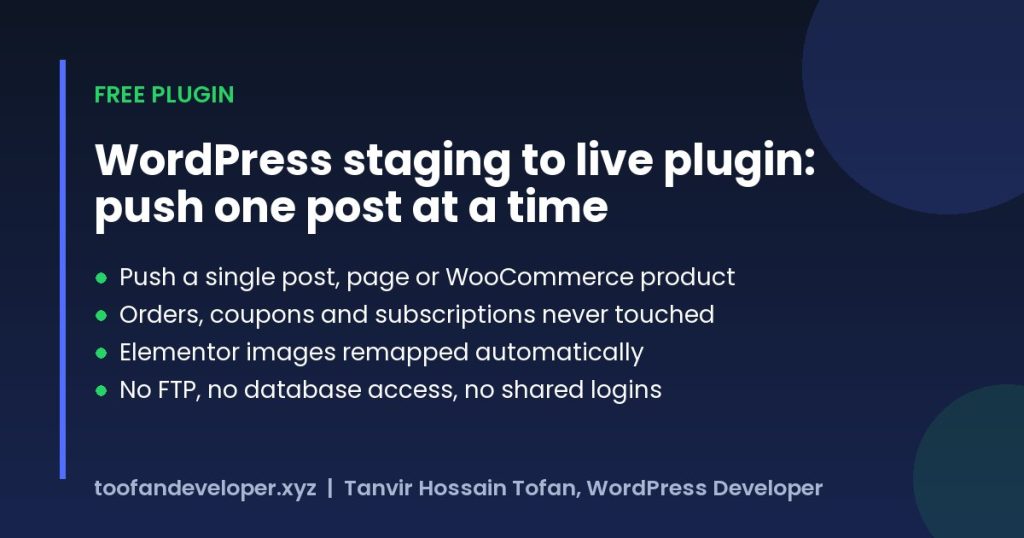
Toofan Stage-to-Live Sync works differently. Instead of syncing the whole site, you pick exactly which post, page or WooCommerce product to move, and only that content goes live.
No FTP. No database exports. No shared logins. Just a URL and a private API key connecting your two WordPress installs. Everything else on your live site (orders, customers, coupons, other pages) stays exactly as it was.
Why developers choose Toofan Stage-to-Live Sync
- True selective push: push one post, page or product at a time, never the whole database.
- WooCommerce-safe by design: orders, refunds, coupons and subscriptions are excluded in the code itself, not just hidden in the UI.
- Elementor-aware sync: image references and design data are detected and remapped after every push, so layouts do not break.
- No shared server access: connect staging and live with a URL and an auto-generated API key.
- Conflict detection: if someone edited the live version after your last push, the plugin flags it instead of silently overwriting their work.
How it works
- Install on both sites: activate the plugin on your local or staging site and on your live site.
- Connect with a key: generate an API key on the live site, then paste the live URL and key into the settings on staging.
- Select and push: choose a post type, tick the items to push and click Push Selected to Live.
- Review the push log: see what went live, how many media files were imported and whether anything hit a conflict.
Everything included
- Selective content push for posts, pages and custom post types.
- Smart database merge, field by field, never a full overwrite.
- WooCommerce safe mode that hard-excludes orders, coupons and subscriptions.
- Inline media sync: images and files referenced in content or Elementor data are imported into the live Media Library, matched by file hash so nothing duplicates.
- Responsive images preserved: original sizes and
srcsetkeep working. - Placeholder fallback instead of a broken image if a file cannot be imported.
- Conflict detection with a force-push override when you are sure.
- Full push log of every push: what, when and the result.
Built for
- Freelance WordPress developers pushing client edits from a local environment to a live site.
- Agencies running staging-to-production workflows across many client sites.
- WooCommerce store owners updating content or products without touching orders.
- Elementor designers who build on staging and deploy finished designs straight to live.
Built by Toofan Developer
I am Tanvir, a freelance WordPress and Shopify developer (Fiverr Level 2 Seller) specialising in custom themes, Elementor and ACF builds, WooCommerce, plugin development and speed optimization. I built Toofan Stage-to-Live Sync because I needed it myself, on client projects where a full-site staging push was never an option.
Need custom WordPress or Shopify development? See my services or let’s talk →
Frequently asked questions
Will it overwrite my WooCommerce orders?
No. Orders, refunds, coupons and subscriptions are excluded in the code and can never be pushed.
Does my local site need to be publicly accessible?
No. Your local or staging site starts the push to your live site’s REST API, so it only needs normal outbound internet access.
Does it work with Elementor?
Yes. Elementor’s image IDs and URLs are read directly and remapped after import, so pages render correctly.
Is the plugin really free?
Yes. It is free and open source, hosted on the official WordPress.org plugin directory.
Where do I get support?
Use the Support tab on the WordPress.org plugin page, or contact me directly through this website.
Start pushing content the safe way. Download free from WordPress.org →
